

Welcome to my Tutorial page!
Listed below are tips and tutorials that I have written to help you with using Lettering Delights files and Make-the-Cut program.
The tutorials are listed in the order in which they were published.
The current version of Make-the-Cut is v.4.6.1. You may notice that the program's user interface in the tutorials may look slightly different from what you are currently using. This is because there have been several upgrades in the Make-the-Cut program since this blog was first launched. Even though the buttons or icons may look different in the current version of Make-the-Cut, the way the tools work is still the same.
There have also been several changes in the product lineup offered by Lettering Delights since I started this blog. Lettering Delights did not used to offer SVGs and so you may notice that I used to make cuttable files by tracing the Lettering Delights graphics instead of using their SVG files.
In the early days of this blog, I used Lettering Delights and Make-the-Cut with my Cricut Expression electronic cutter. However, as of March 16, 2011, Make-the-Cut has stopped supporting the Cricut machines and so I have also stopped using my Cricut and am now cutting with other non-Provo Craft electronic cutters. The program is compatible with many other electronic cutters and you can find many reviews of the MTC-compatible cutters by clicking here. I am currently cutting with a Silhouette Cameo.
Most of my video tutorials come with a written explanation and so instead of embedding the videos on this page (like I do for the ones done by LD), I am posting a link to the blog post. You will find both the written tutorial and the video tutorial (if any) by clicking on the links or images below. Lettering Delights has also kindly allowed me to include their video tutorials in my blog and I have added them here.
These are the links to Lettering Delights and my youtube channels. You may want to take a look or even subscribe to my channel because I do post other fun and interesting videos (LD and MTC related) to it besides these video tutorials.
My YouTube Channel: http://www.youtube.com/user/UnderACherryTree
Lettering Delights YouTube Channel: http://www.youtube.com/user/LDTuber1
I hope that the tutorials on this page will help you enjoy your Make-the-Cut and Lettering Delights files even more.
-----------------------------------------------------------------------------------------------------------------
TUTORIALS:
(last updated December 28, 2014)

If you are new to Lettering Delights, please start with this tutorial. It will explain how you can use Lettering Delights' art with your cutting machine.
*** LD 101: How to use Lettering Delights' Cut Its, SVGs, Graphics, and more
143: Jin's Snow Globe Shaker Card

142: Jin's Christmas Village Advent Calendar

141: Jin's Sticker Advent Calendar
140: How to make things on the screen appear bigger {using Magnifier}
139: User's Manual & Keyboard Shortcuts for Silhouette Studio v3.0 and higher
138: Jin's Get-Out-of-School-Early cards
137: Silhouette Studio tutorial: How to convert a Dingbat into a Layered image (Part 2)
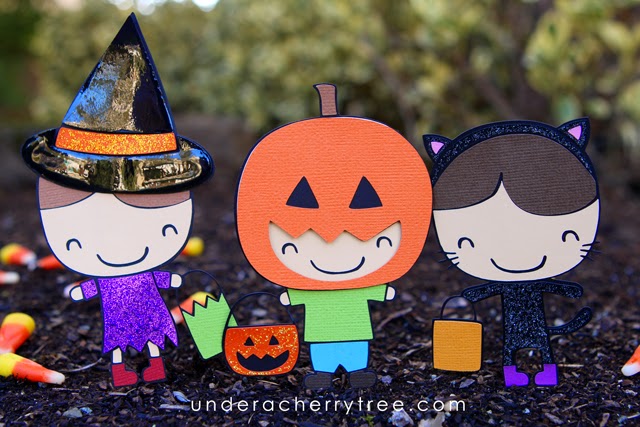
136. Silhouette Studio tutorial: How to Convert a Dingbat into a Layered Image (part 1)

135: FREE eGuide from Craftsy: 6+ Stash Busting Paper Craft Projects

134: Craftsy blog: 6 Easy Ways to Make Your Handmade Cards Stand Out

133. Happy Birthday {using in-laid technique}

132. Simple Shape Stringbeans vs Full-Color Stringbeans Cut its

131. "You Rock!" {Color-your-own card}

130. Craftsy blog: 7 Tips for the Paper Quilling Beginner

129. Jin's In-lay die-cut Cassette Tape cards

128. How to save a Silhouette Studio file to JPEG, PNG, or PDF for printing.

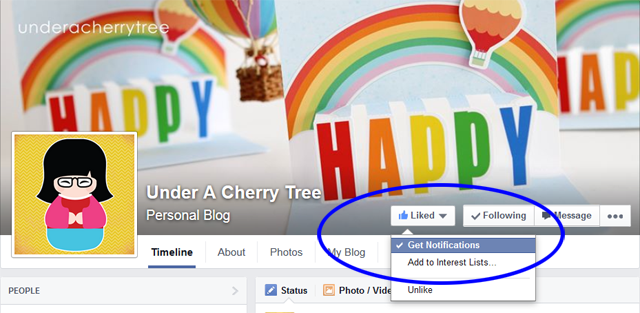
127. TIP: How to follow my Facebook page and not miss out on any of my posts.
126. Jin's Color-Your-Own {Starbucks} gift card holder

125. Silhouette Studio: "No-Cut" zone versus "No-Print" zone

124. Video Tutorial: How to make credit card size notecards with Silhouette Studio

123. How to make a Jin's-style shaped card

122. Silhouette Studio Video Tutorial: How to make a coloring page or digital stamp with an SVG

121. How to use Weld & Offset to make interesting cards with Silhouette Studio.

120. Take 2: Silhouette Studio version 3.0.343 mini review
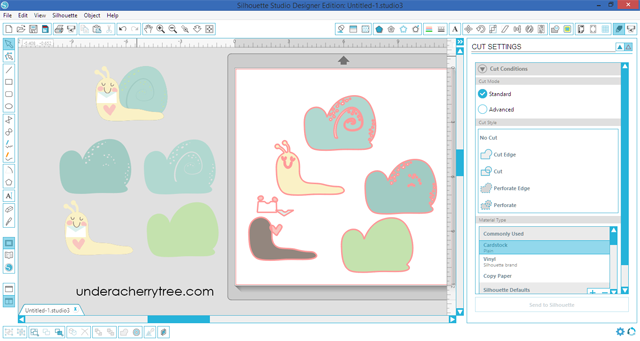
119. Video Tutorial: How to fill patterns in Silhouette Studio version 3.

118. Tutorial: How to assemble the LD Bee Basket {Cut It/SVG}
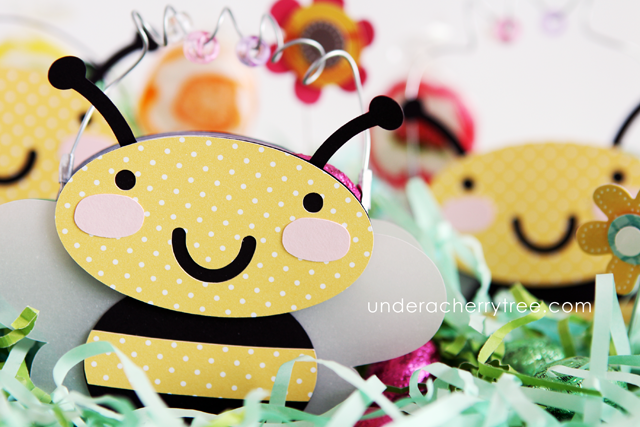
117. Silhouette Studio tutorial: How to make a name window for personalizing treat bags.
TUTORIALS:
(last updated December 28, 2014)
If you are new to Lettering Delights, please start with this tutorial. It will explain how you can use Lettering Delights' art with your cutting machine.
*** LD 101: How to use Lettering Delights' Cut Its, SVGs, Graphics, and more
----------------------------------------------------------------------------------------------------------------
143: Jin's Snow Globe Shaker Card
142: Jin's Christmas Village Advent Calendar
141: Jin's Sticker Advent Calendar
140: How to make things on the screen appear bigger {using Magnifier}
139: User's Manual & Keyboard Shortcuts for Silhouette Studio v3.0 and higher
138: Jin's Get-Out-of-School-Early cards
137: Silhouette Studio tutorial: How to convert a Dingbat into a Layered image (Part 2)
136. Silhouette Studio tutorial: How to Convert a Dingbat into a Layered Image (part 1)
135: FREE eGuide from Craftsy: 6+ Stash Busting Paper Craft Projects
134: Craftsy blog: 6 Easy Ways to Make Your Handmade Cards Stand Out
133. Happy Birthday {using in-laid technique}
132. Simple Shape Stringbeans vs Full-Color Stringbeans Cut its
131. "You Rock!" {Color-your-own card}
130. Craftsy blog: 7 Tips for the Paper Quilling Beginner
129. Jin's In-lay die-cut Cassette Tape cards
128. How to save a Silhouette Studio file to JPEG, PNG, or PDF for printing.
127. TIP: How to follow my Facebook page and not miss out on any of my posts.
126. Jin's Color-Your-Own {Starbucks} gift card holder
125. Silhouette Studio: "No-Cut" zone versus "No-Print" zone
124. Video Tutorial: How to make credit card size notecards with Silhouette Studio
123. How to make a Jin's-style shaped card
122. Silhouette Studio Video Tutorial: How to make a coloring page or digital stamp with an SVG
121. How to use Weld & Offset to make interesting cards with Silhouette Studio.
120. Take 2: Silhouette Studio version 3.0.343 mini review
119. Video Tutorial: How to fill patterns in Silhouette Studio version 3.
118. Tutorial: How to assemble the LD Bee Basket {Cut It/SVG}
117. Silhouette Studio tutorial: How to make a name window for personalizing treat bags.

116. Jin's Double-sided, Print-and-Cut Action Wobble cards

115. How to UNinstall Silhouette Studio version 3.

114. Where is the Test Cut Button in Silhouette Studio version 3?
(Answer: It's in the top right corner of the Send To Silhouette window)

113. Jin's Silhouette Studio version 3 Review.
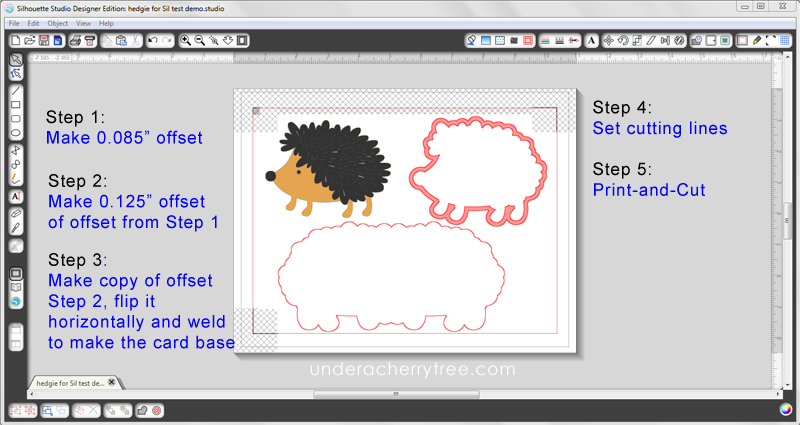
112. First looks at Silhouette Studio version 3.

111. How to make Sticker Labels with Silhouette Studio.

110. Make it Cute in under 5 mins! How to make LD's treat box svg into a cute printable.
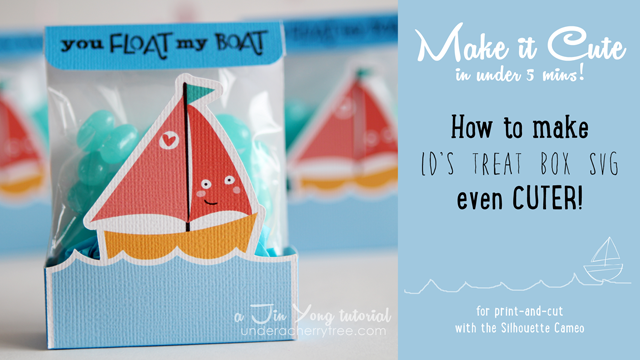
109. Tips on Double-Sided Print-and-Cut

108. Faux Print-and-Cut

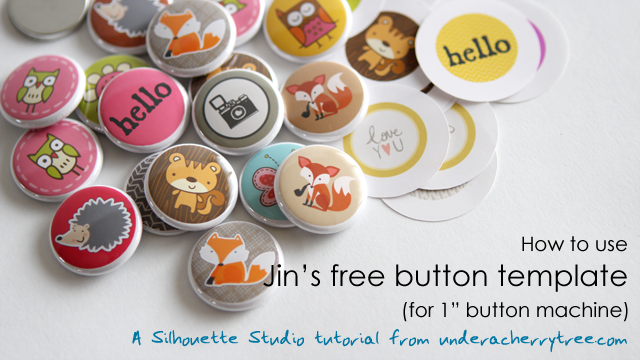
107. How to use Jin's free button template (for 1" buttons)
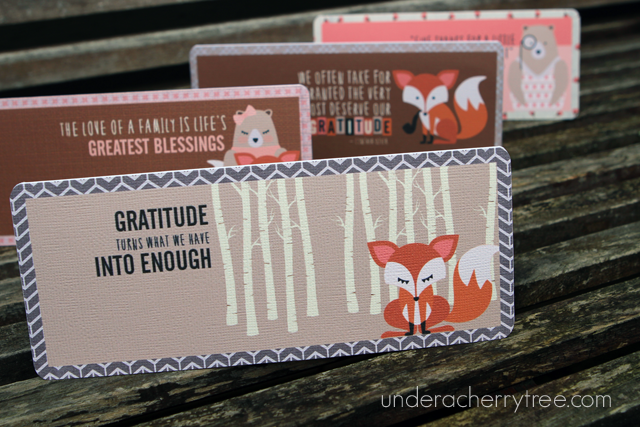
106. How to make What Does the Fox Say? notecards in 5 easy steps
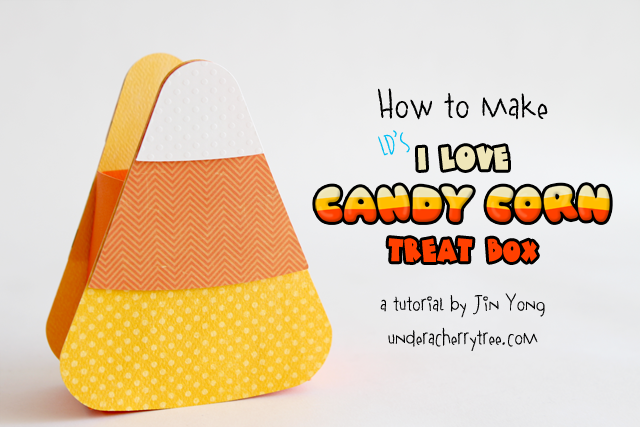
105. How to make LD's I Love Candy Corn Treat Box
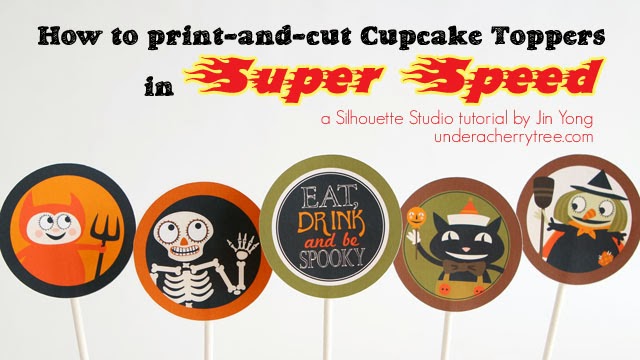
104. How to print-and-cut Cupcake Toppers quickly
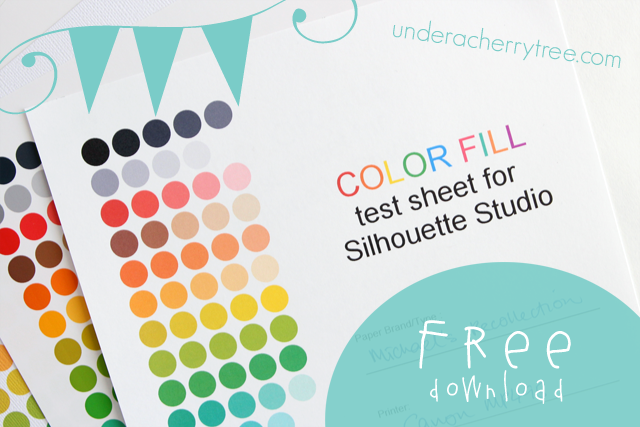
103. Free test sheets for Silhouette Studio (why colors look different when printed)
102. Jin's Button Machine

101. Silhouette Studio Print-and-Cut Basics

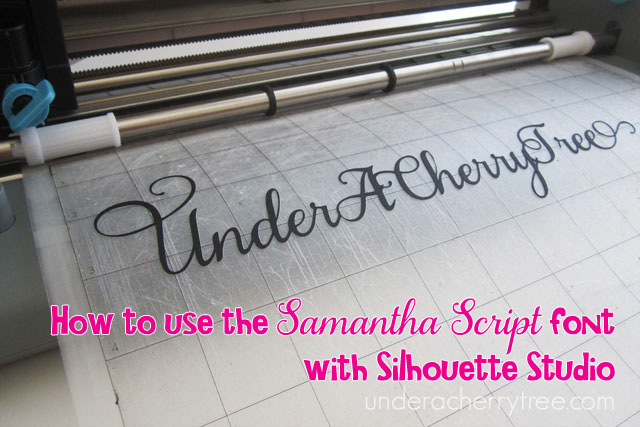
100.How to convert the Samantha Script font to use with Silhouette Studio
99. How to cut cereal board with the Silhouette Cameo

98. Jin's modified Lever Card tutorial

97. How to make LD's Accordian Lever Cards

96. for Beginners: How to cut an LD SVG with Silhouette Studio Designer Edition

95. How to print-and-cut LD's Flower Party Pinwheels with Silhouette Studio

94. How to Print-and-Cut the LD Superhero Centerpiece (method 2)

93. How to Print-and-Cut the LD Superhero Centerpiece (method 1)

92. LD Tip: How to download 1 image/svg at a time

91. How to modify the LD treat box for St. Patrick's Day

90. What printer to use with the Cameo, plus more useful tips from the readers
89. Cardstock colors to make Merida

88. How to Crop in Silhouette Studio

87. Jin's Incredible double-sided print-and-cut tri-fold card (Tips to make it)

86. How to make a Flip-Top Calendar

85. How to Make a Quilled Flower (video tutorial by Lettering Delights)
84. How to Print-and-Cut Bottle Tags with Silhouette Studio.

83. Q&A: What is the difference between an LD Cut It set and a Graphic Set?

82. How to Open and Clean the Silhouette Ratchet Blade.

81a.
Silhouette Studio tutorial for Beginners: What is a "Trace" and Why do you need to trace a graphic in order to cut it with the Cameo?

81. Silhouette Studio tutorial for Beginners: How to Click on the Traced Lines to Make an Offset

80. One quick Halloween Card- a Silhouette Studio exercise

79. For Beginners: How to Make a printed Shaped Card with Silhouette Studio

78. How to Make Santa Stamps (stickers)

77. Silhouette Studio Tip: How to make a ¢-symbol in Silhouette Studio

76. Jin's Make Your Own Stationery Set

75. For Beginners: How to Make a Printed Card with Silhouette Studio.

74X. Non-Silhouette tutotrial: How to make Fake Blood.

74. Make your own Simple Shape in 7 Steps

73. How to Color a Dingbat in Silhouette Studio

72. Make-Your-Own Happy Everything

71. How to use LD's 2012 Simple Shapes with Silhouette Studio and MTC.

70. Hints and Tips: Making the Teacup Notecard Set with Silhouette Studio

69. Make-Your-Own Stickers

68. VIDEO TUTORIAL: How to Print-and-Cut the LD Popcorn Box SVG with Silhouette Studio PLUS special: How to make the Perfect Caramel Popcorn


67. VIDEO TUTORIAL: How to make Magnetic Bookmarks with Silhouette Studio using Print-and-Cut

66. Jin's Color-Your-Own Notecards

65. Easy Print-and-Cut Cake Topper Flags

64. Jin's Make-Your-Own Knight Kit

63. Jin's Make-Your-Own Princess Kits

62. How to make Plant Markers with vinyl scraps

61. Video Tutorial: How to use SSDE's Release Compound Path

60. How to download your free LD Alphabet sample and use with Silhouette Studio and Make-the-Cut

59. Sketching with SSDE and the Cameo
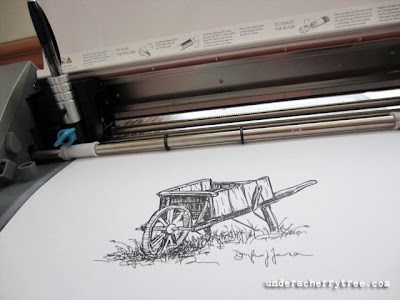
58. How to draw Lettering Delights' Sketches with the Silhouette Cameo

577b. Using Thin Fonts with rhinestones

57a. Using Thin Fonts with Silhouette Studio, Inkscape, and SCAL.

57. How to use Lettering Delights' Thin Fonts and How to use Amy Chomas' Pen Holder


56. How to make Framed Wall Art Cards (with transparency film)

55. How to make Frameable Wall Decor with Vinyl

54. Video Tutorial: How to print-and-cut Treat Bags using printable paper with Silhouette Studio

53. Video Tutorial: How to print-and-cut Mini Notecards with Silhouette Studio

52. How to use the LD Mad for Cards Super Bundle.

51. How to Make Truffula Pencils

50. Silhouette Cameo Child Safety Lock

49. How to make a jigsaw heart (using MTC's jigsaw generator)

48. Why Make-the-Cut? (Comparing MTC to Silhouette Designer Edition)

47. Silhouette Studio Keyboard Shortcuts for PC and Mac.

46. Silhouette Studio tutorial: How to make a Tear-Off Calendar.

45. Silhouette Studio tutorial: How to make Gift Tags.

44. Silhouette Studio tutorial: How to Print-and-Cut SVGs
or How to Print-and-Cut LD's Nutcracker Boxes.

43. Silhouette Studio: What to do if your Lettering Delights SVG cannot be opened in Silhouette Designer Ed.
42. Silhouette Studio tutorial: How to dress up your tealights for Fall (How to use SVG)

41. Silhouette Studio tutorial: How to Print and Cut with Silhouette Studio and the Silhouette Cameo or How to make Cupcake Toppers with Silhouette Designer Ed.

40. Make-the-Cut tutorial: How to cut to the Silhouette Cameo with Make-the-Cut.

39. Silhouette Studio tutorial: How to use Lettering Delights' Print-and-Cut files with Silhouette Studio.

38. Make-the-Cut tutorial: How to use Lettering Delights' Print-and-Cut files with Make the Cut.

37. Make-the-Cut tutorial: Changing Colors and Textures in MTC (tutorial by Lettering Delights)
36. Make-the-Cut tutorial: Using the Conical Warp in MTC (tutorial by Lettering Delights)
35. Exporting LD Image as Raster in MTC (tutorial by Lettering Delights)
34. Integration of LD into MTC (tutorial by Lettering Delights)


26. Silhouette Studio tutorial: How to cut a Lettering Delights SVG with the Silhouette Studio program (without using the Designer Edition). (Apr 2011)


23. Silhouette Studio tutorial (for Beginners): How to Print-and-Cut with the Silhouette and the Silhouette Studio program. (Mar 2011)
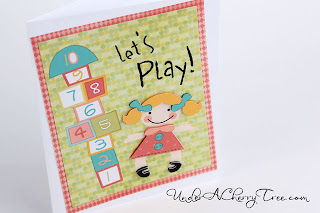
22. How to cut a letter so that the negative is in one piece/ How to make a letter into a stencil? (Mar 2011)


18. How to build a Lettering Delights Weather Wheel (Jan 2011)

17. All about Lettering Delights' Cards and Envelopes B SVGs (Jan 2011)


14. How to Use Lettering Delights Doodlebat Font with MTC (Jan 2011)

13. How to Use Lettering Delights SVG and Font with MTC (Jan 2011)

12. How to convert a 4-layer Lettering Delights SVG into a 2-layer cut-out using Make-the-Cut. (Dec 2010)
11. How to import Lettering Delights SVG into MTC. (Dec 2010)
*please note that LD svgs are automatically imported into the program with MTC v3.3.3

9. How to download your Lettering Delights Doodlebat font and bring it into your Make-the-Cut program. (Nov 2010)

7. How to "Cut-and-Print" Personalized Cupcake Wrappers (Sept 2010)


Oh my goodness, I am so excited about this, Being new to MTC and Lettering delight this will be so helpful for me, thank you so much. Diane.
ReplyDeleteThis is fantastic Jin. Thank you sooooo much for sharing your awesome TALENT and Time with us.
ReplyDeleteWow! you are amazing to do this! You have the biggest heart to share all your info. I'm fairly new to mtc and svgs and I'm trying to teach myself how to cut on my die cutter (currently cricut but will be getting the Z soon!) So, long story short, you have helped me a lot in understanding this whole die cutting process. Thanks so much for sharing your knowledge with us and may God continue to bless your life with his great goodness!
ReplyDeleteThank you so much for posting tutorials! My husband gave me the Cameo for Christmas and it is still in the box because I have no idea how to use it! I am going to finish watching your tuts and let it free this weekend. Thank you!
ReplyDeleteI think I just hit the mother load of amazing tutorials!! Thanks so much!
ReplyDeleteI am interested in purchasing a cutting machine. I am extreemly new to all of this and am feeling overwhelmed with the information I see. I don't know what the difference is between the Silhouette SD and Cameo. I think those are the two I've narrowed down to. But would like the best/most for my money and still open to other machines. I am wanting to make greeting cards, but not as a business or anything. Also, cut vinyl. Any suggestions anyone? THANKS.
ReplyDeleteHi, my name is Linsday and I want to know how can a change image jpg or pdf to svg and cut it in the silhouette, I have a Mac , can you help me please .
ReplyDeleteThanks for these - great resource and some fabulous ideas!!
ReplyDeleteLowri
You are an awesome teacher. I am looking forward to more tutorials. I just got my cameo and this makes it so much easier. Thank you...
ReplyDeleteThis is awesome. Thank you for your tutorials. I enjoyed reading everything you have written here.
ReplyDeleteThanks so much. I just found this website and have signed up for email updates.
ReplyDeletemarilyn2222
This is the treasure island!
ReplyDeleteOMG!! Thank you so much for all your information. I have had my Silhouette for a month now and am a bit nervous to try it because I'm unsure what I'm doing. Thank you for this wonderful site to help us out!
ReplyDeleteWOW you have an AMAZING collection of tutorials! Thanks for sharing them with us!!!
ReplyDeleteCan you do all these gorgeous things with de Silhoutte Studio or you should upgrade to the Silhoutte Designer or get the Make the Cut??
ReplyDeleteCan't wait to get my Cameo!!!!!
ReplyDeleteLOVE all your tutorials...especially, "How to make a printed card". Thanks for all you do!
ReplyDeleteoH MY Goodness. Thank you SOOO much for all of this work. Just got a new Silhouette Portrait, and honestly have been too intimidated to try it out. Your tutorials are AWESOME. Gonna try a project soon!!
ReplyDeleteHi Jin,
ReplyDeleteMy Silhouette Cameo will arrive in a day or two - I can't wait! Thank you so much for sharing your amazing talent! I have already learned so much from your blog and I don't even have the machine yet! hahaha!
WOW JIN! I just luv your page with all these awesome tutorials. I have learned so much & haven't even Opened my cameo yet ... I've posted it to ALL the FB Silhouette pages I am a member of because they are so easy to follow and understand. We "newbies" need more experienced "Pro's" like you to get us through the "starter" stage... Thanks again!
ReplyDeleteP.S. I'd Luv to add you to my FB Friends
Thanks again,
Desiree Hesse
AKA
ZBICH! & Li'l Bit O' Everything
I just requested to friend you on FB...
DeleteHi, thank you for all your tutorials. I has just bought a Cricut Expression 2. Wich program should I use to create my cut designs (or download them) and then cut them with the machine I own? Where can I download a compatible program to do this?
ReplyDeleteI will take a long time to study each of your tutorial, they seem great! Hope I can do the same as you with my new machine! Can you guide me so I can get started? Thank you!
Vicky from Argentina
Jin,
ReplyDeleteI love your tutorials. Some time ago I think you recommended an inexpensive. Cannon printer. What model was it and do you still use it?
Thanx,
Brenda Bonkowski in WA
Jin, I absolutely love your ideas and helpful tutorials. I am having difficulty understanding how to import the Lettering Delights cutting files into a Silhouette w/Designer Edition. I don't understand how to convert the ai files into the proper file extension. I use a Mac, but do not have Adobe Illustrator. And, as you can probably tell, I am a beginner. Thanks!
ReplyDeleteThank you so much for all the time you've spent making tutorials. I recently purchased a Portrait and was so disappointed with the software. I'm fairly software savvy, but I was still having issues with some projects.You've saved me a lot of time, searching for answers. I love all your projects. They are super super cute! Thanks for sharing them with us!!
ReplyDelete-Jen
All I can say is WOW, I haven't got a Silhouette yet, but a Cricut with software, so a lot of these will help me, thank you, can't believe how many tips and tutorials you have done, thank you so much.
ReplyDeletetutorial Are awesome i love your page Personalization Mall Promo Code
ReplyDeletei would like to ask which printer do you use for your amzing projects? thanks <3
ReplyDeleteAwesome tutorials!
ReplyDelete